 VSCodroid
VS Code, on your phone.
Not an editor inspired by it. The real workbench, with a real terminal, running natively on Android.
Android 13 or newer, 64-bit. Around 738 MB free space for the first launch, and much less for each update.
What you get
Everything needed to actually work is bundled. There is no setup step, no Termux to install first, and nothing to configure before the first file opens.
-
The real workbench
Built from the MIT-licensed Code - OSS source, so the editor, the command palette, settings and keybindings are the ones you already know.
-
A real terminal
Bash on a proper PTY, with Git, make, ripgrep, tmux and OpenSSH already on the path. Not a shell emulator over a socket.
-
Node.js and Python, bundled
Node 24 with npm, and Python 3 with pip, both installed on first launch. Ruby and Java 17 install on demand when you ask for them.
-
Extensions from Open VSX
Browse and install from the extensions view as usual. Extensions written in JavaScript work; the few that ship a desktop Linux binary do not.
-
Your own files
Work in the app's own project directory, or open a folder from device storage: the app keeps a working copy and writes your changes back to the original. Both are ordinary folders to the editor.
-
Offline once installed
No telemetry, and no update service to call. Editing, the terminal and the bundled runtimes all work with the network off; installing extensions, downloading a language toolchain and the package managers are what need it.
Getting started
Four steps, and only the unpacking and the language downloads take any waiting.
-
Install
From Google Play, or by sideloading the APK from GitHub Releases. Both are the same build.
-
Let it unpack
The first launch extracts the editor and the bundled tools behind a progress bar, and it needs the space before it starts rather than partway through. It repeats after each app update, though an update needs far less room because what is already unpacked counts toward it.
-
Pick your languages
Ruby and Java 17 are offered once, and can be added or removed later from the app icon's long-press menu.
-
Open a folder and work
Use the app's projects directory, or open a folder from device storage. The terminal starts where the editor is.
A look around
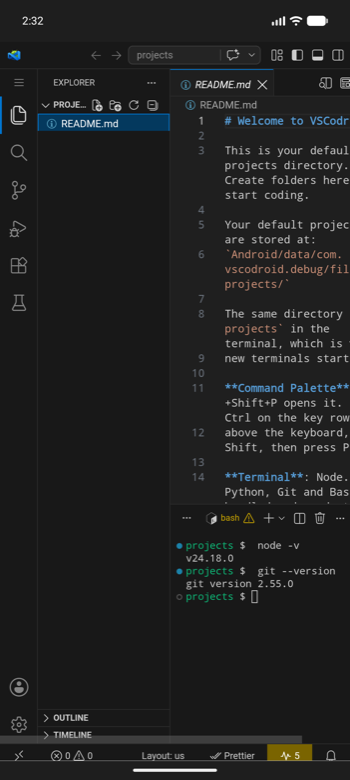
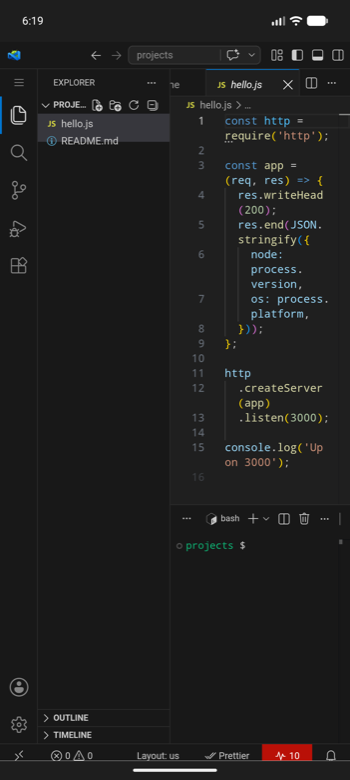
Screenshots from a phone, at the size a phone actually shows them.
-
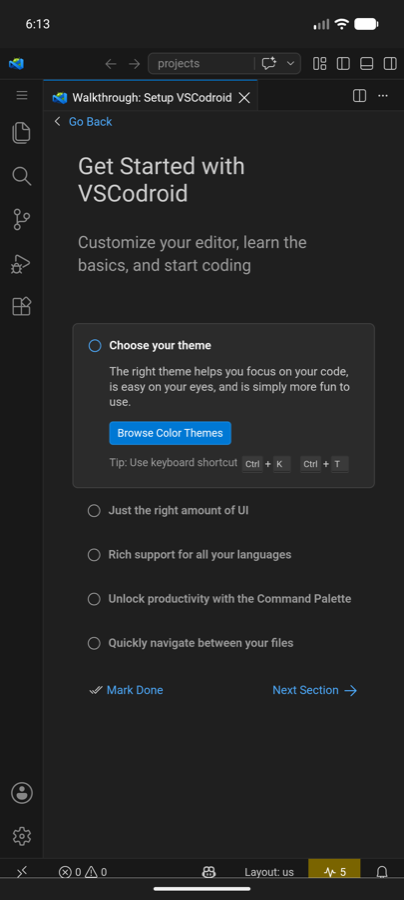
The editor -
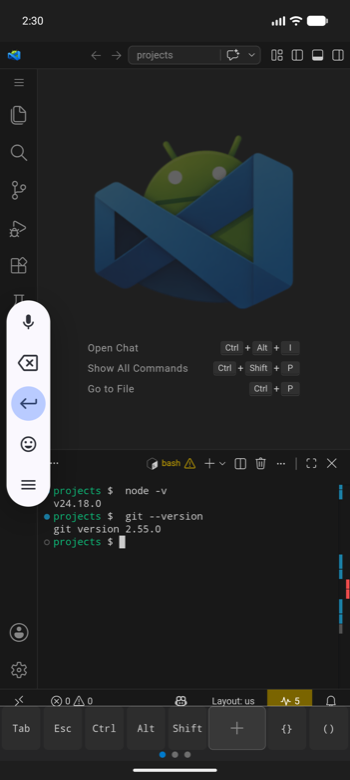
The terminal -
The explorer -
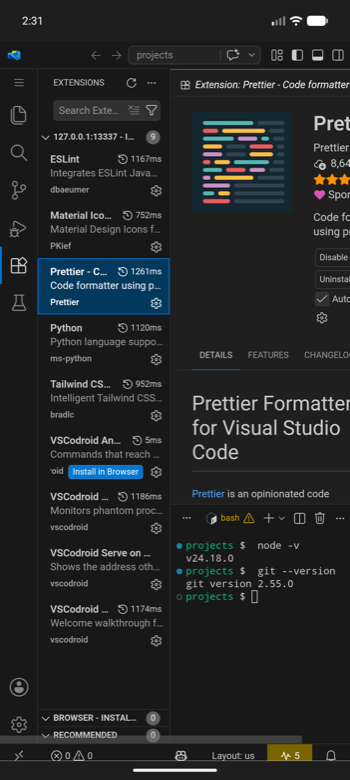
Extensions
Worth knowing before you start
Android is not a desktop, and a few things follow from that. The user guide covers each in full.
-
No C compiler
Packages that build native code at install time, anything reaching for node-gyp, will not install. Pure JavaScript and pure Python packages are fine, and pip is pointed at prebuilt Android builds of NumPy, pandas, pydantic-core and psutil, so those install too.
-
Tools start indirectly
Android refuses to execute files in an app's private storage, so a toolchain's commands are reached through a small launcher on PATH. Typing them, running them from a task and extensions spawning them all work;
pipandnpmare shell functions, so a task has to spell those aspython3 -m pip. -
Some extensions cannot work
An extension that ships a compiled desktop Linux binary installs without complaint and then does nothing. The JavaScript ones are the overwhelming majority.